
Home / Technology
How we capture a building, and how we check it.
Measured drawings are only as good as the capture behind them and the checking after it. This is exactly what happens between your booking and your files, and the equipment we use to do it.
01 The workflow
Seven stages, every job.
- 01
Scope and site information
Before the visit we confirm the areas in scope, the deliverables, access, any occupied or restricted rooms and who meets the technician. Existing drawings, if you have them, help us plan the route.
- 02
Mobile laser scanning (SLAM)
The technician walks the building with a mobile scanner that maps as it moves, using SLAM — simultaneous localisation and mapping — to work out its own position from what it sees. Loops are closed through doorways and corridors so the trajectory stays tight. A handheld scanner reaches above ceilings and into tight spaces; a GNSS receiver and control points tie exterior work to real coordinates.
- 03
Registration and alignment
Each walk is processed into a point cloud, and separate walks — floors, wings, the exterior — are registered into one coordinate system. Overlaps and control points are checked so the floors stack correctly and the building closes on itself.
- 04
Point-cloud processing
People and passing objects are removed, colour from the panoramic images is applied, and the cloud is exported as E57 and Autodesk ReCap files.
- 05
Drafting in Revit
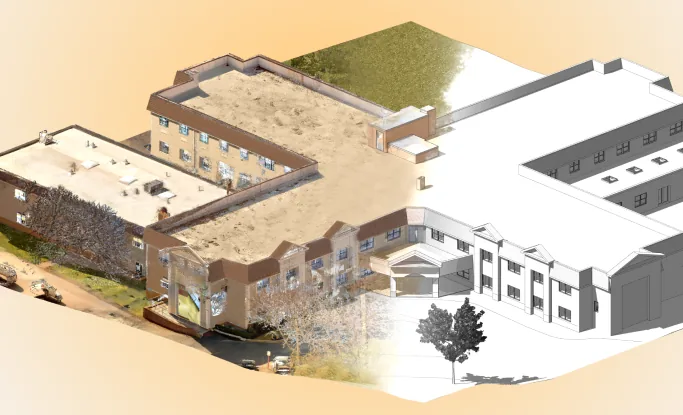
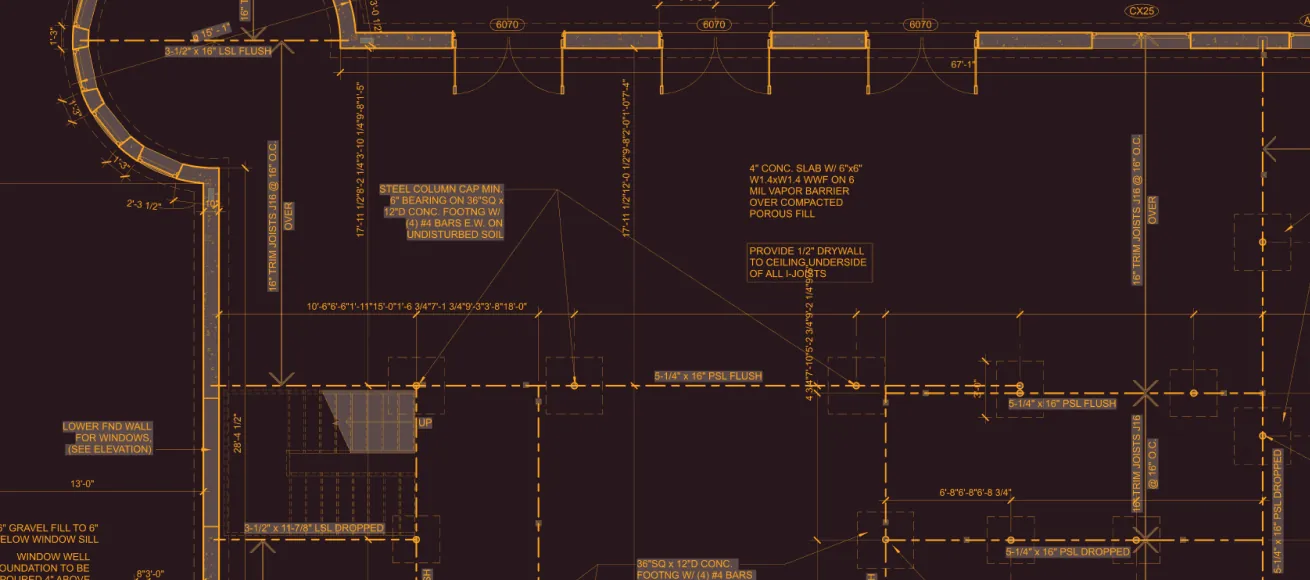
Our drafting team builds the drawings or model directly over the point cloud, to the level of development agreed for the job, with each element placed where it was measured.
- 06
QA against the scan
Before release the drawings and model are reviewed against the point cloud: sections cut through the model and the cloud together, openings and ceiling heights checked, anything missing from the scope sent back.
- 07
Delivery
Files are packaged in the formats you ordered and released to your portal once the balance is settled, with a link you can share with your team.
02 Equipment
What we bring to site.
Each unit is tracked, maintained and calibrated on a schedule, and every job is matched to equipment with the capabilities it needs. Accuracy figures are the manufacturer’s own published specifications.
| Equipment | What we use it for | Manufacturer’s specification |
|---|---|---|
| NavVis VLX 3 Mobile laser scanner |
Wearable SLAM scanner for floors, corridors, rooms and exteriors; captures panoramic images as it scans. |
NavVis states 5 mm point-cloud accuracy (1 sigma) in its published test environment. Source |
| Leica BLK2GO Handheld laser scanner |
Handheld SLAM scanner for above-ceiling spaces, plant rooms and tight areas the wearable cannot reach. |
See the manufacturer’s specification. Source |
| DJI Matrice 350 RTK Survey drone |
Aerial photogrammetry of roofs, facades and site, positioned with RTK. | See the manufacturer’s specification. |
| Emlid Reach RS3 GNSS receiver |
RTK positioning for control points and exterior work. | See the manufacturer’s specification. |
| GSSI StructureScan Mini XT Concrete-scanning radar |
Ground-penetrating radar for slabs and walls before cutting or coring. | See the manufacturer’s specification. |
| Ricoh Theta Z1 360° camera |
Panoramic photography for 360° documentation. | See the manufacturer’s specification. |
03 Accuracy
What drives accuracy.
A scanner’s published figure is measured in the manufacturer’s test conditions. On a real job these are what make the difference.
The scanner and the route
A mobile scanner estimates its own path as it moves. Closing loops — returning through a doorway or along a corridor it has already seen — keeps that path tight across a large floor.
Control
Control points with known coordinates, and GNSS outside, tie the scan to the real world and stop small errors adding up over long distances or many floors.
The building itself
Glass, mirrors, polished floors and long featureless corridors are harder to measure; so are rooms full of moving people. We plan the capture around them.
If your project has a stated tolerance, tell us when you book and we will plan the control and the capture to meet it.
04 Level of development
Detail is a choice, not a grade.
LOD says how much a modelled element can be relied on. Accuracy — how close it is to the real building — is a separate question, described by LOA. We agree both before drafting.
| Level | What is modelled | When it fits |
|---|---|---|
| LOD 200 · Generic | Elements modelled as generic systems with approximate size, shape and location: a wall of the right thickness in the right place, without its layers. | Early design, massing, space planning. |
| LOD 300 · Specific | Elements modelled at their measured size, shape, location and orientation, taken from the scan: specific door and window openings, stairs, ceiling heights. | Renovation design and construction documents. The usual choice for an existing building. |
| LOD 400 · Fabrication | Detail for fabrication and assembly. | Not something an existing-conditions model needs; we do not offer it. |
05 Colour or greyscale
Two ways to look at the same points.
A greyscale point cloud shows the strength of the laser’s return from each surface. It is lighter to work with and reads clearly in section.
A colour point cloud takes its colour from the panoramic photographs the scanner captures as it goes, so finishes, signage and equipment labels are easy to recognise. Both carry the same measurements.
06 What a point cloud is
Millions of measured points, stitched into one.
Each point is a measurement: where a laser pulse hit a surface, and what colour that surface was. One walk through a building sees part of it; the walks are then registered — slid and turned until the shared walls line up — into one cloud of the whole building.
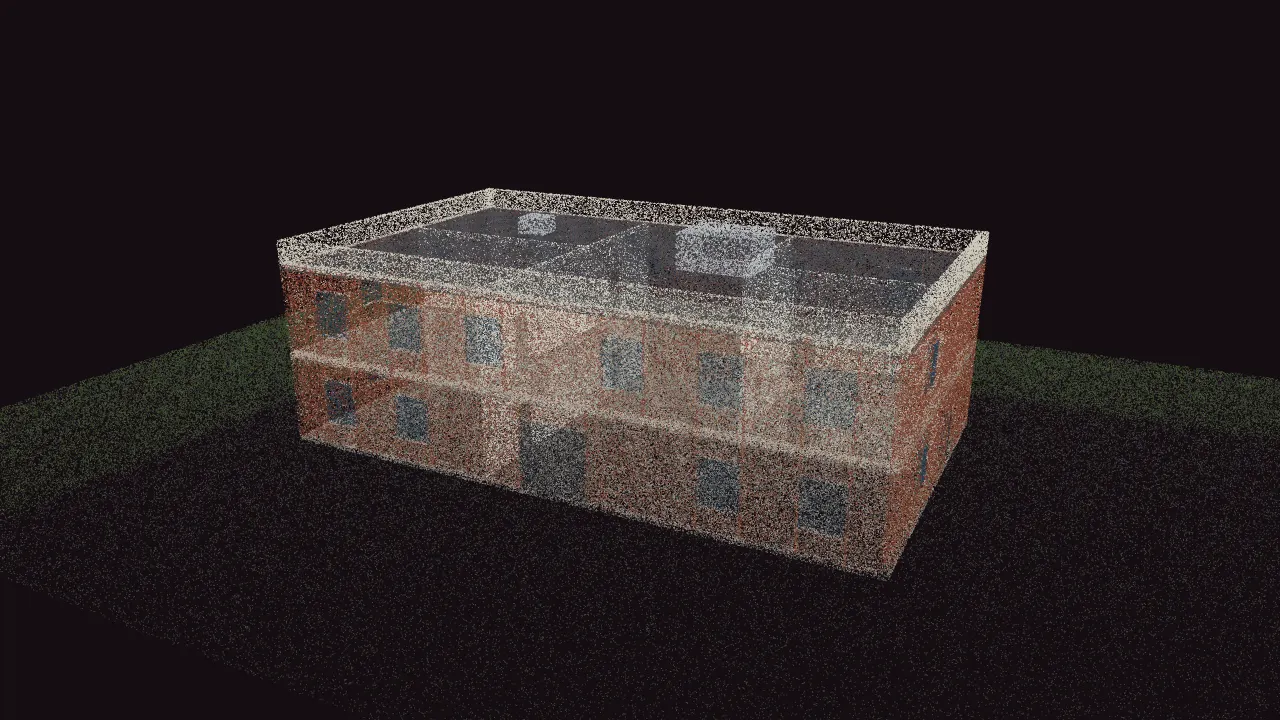
Inside and out, 650,000 measured points. Cut a section through it, measure a wall, switch between colour and laser intensity.
— Instant price · live calendar · book online
See your price now. Pick your scan date. Done.
Enter the address: the price comes straight back, the calendar shows real dates, and a deposit confirms the booking. No call needed.
Prefer to talk? Send us a message and we will call you back.